

디지털 저울 보정 방법: 단계별 가이드

Lisa Thompson
Storage & Preservation Specialist
디지털 저울 보정 방법: 단계별 가이드
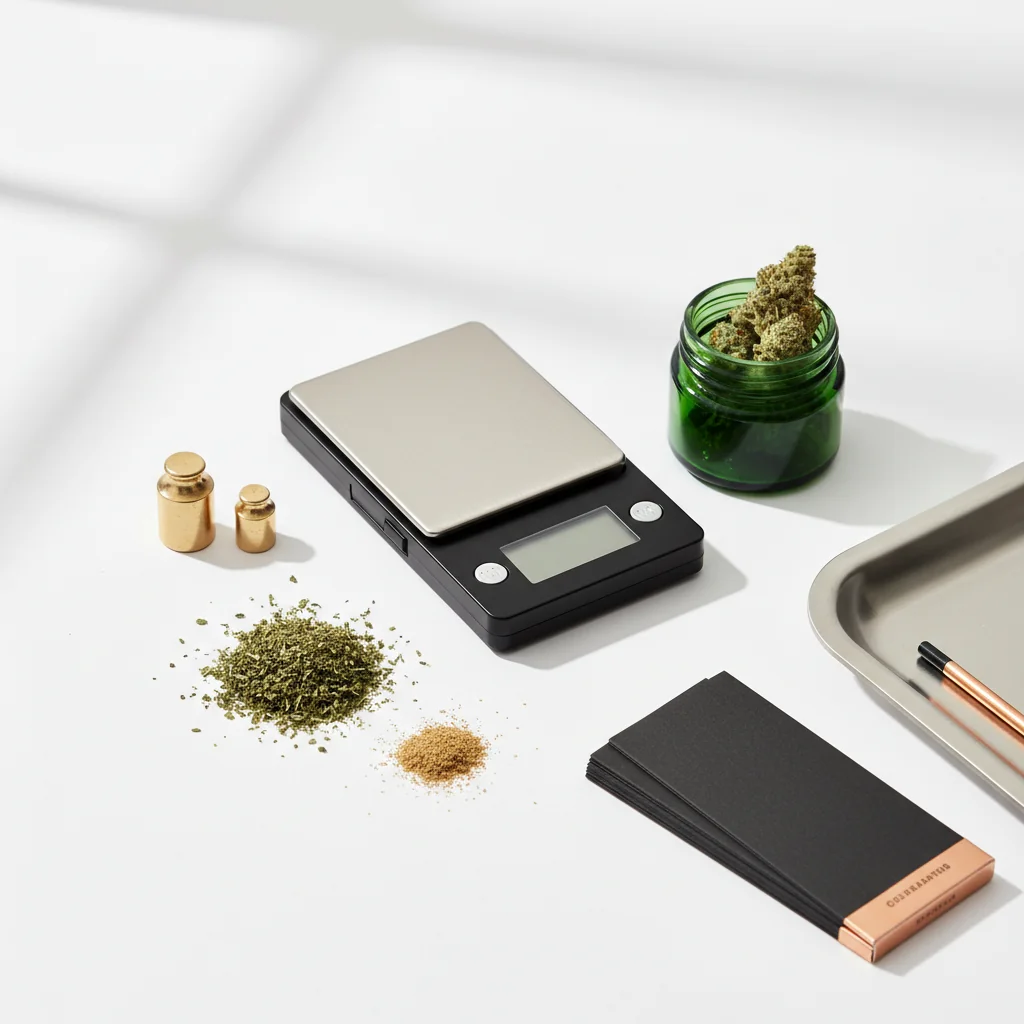
교정은 스케일이 정확한 판독값을 제공하도록 합니다. 품질 저울조차도 시간이 지남에 따라 표류하고 새로운 저울이 종종 보정되지 않은 상태로 도착합니다. 이 가이드는 스케일을 정확하게 유지하는 방법에 대해 알아야 할 모든 것을 다룹니다.
빠른 답변
보정하려면: 안정적인 표면에서 스케일을 켜고, 보정 모드를 시작하고(보통 CAL 버튼을 누르고), 0 판독을 기다렸다가, 프롬프트가 표시되면 필요한 보정 가중치를 배치하고 확인을 기다립니다. 매월, 드롭 후 또는 판독값이 꺼져 있는 것처럼 보일 때 보정하십시오. 대부분의 저울에는 50g, 100g 또는 200g의 교정 가중치가 필요합니다.
교정이 중요한 이유
계측 및 교정 과학의 경우,BIPM(국제체중량 및 대책국)국제 측정 기준을 설정합니다.
보정 없이 일어나는 일
- 실제 무게에서 드리프트된 판독값
- 시간 경과에 따른 작은 오류 복합
- 구매를 정확하게 확인할 수 없습니다
- 투여량이 신뢰할 수 없게 됩니다.
- 좋은 규모가 깨졌다고 생각할 수 있습니다
보정할 때
확실히 보정하십시오:
- 새로운 스케일(박스에서)
- 떨어뜨리거나 거슬리는 후
- 온도 변화 후
- 정기적으로 사용하는 월간
- 판독값이 꺼져 보일 때
보정이 필요합니다.
- 동일한 항목에 대해 매번 다른 읽기
- 알려진 가중치가 올바르게 읽히지 않음
- 디스플레이가 제대로 0이 되지 않습니다
- 판독값이 일관되게 높거나 낮아 보입니다.
필요한 것
교정 무게
포함된 무게:
많은 정밀 스케일에는 보정 가중치가 포함됩니다. 상자 또는 축척 케이스를 선택하십시오.
구매 중량:
- 온라인으로 구매 가능(세트는 $5~15)
- 본점에서 판매
- 보석 용품점
일반적인 교정 중량:
- 50g
- 100g
- 200g
- 500g
귀하의 저울 요구 사항:
체중계에 필요한 무게를 확인하려면 수동 또는 보정 모드 디스플레이를 확인하십시오.
DIY 대안
보정 검사로 미국 동전:
동전 사용:
- 더 큰 무게를 위해 여러 스택
- 10니켈 = 50g
- 20니켈 = 100g
제한 사항:
- 교정 가중치만큼 정확하지 않음
- 마모된 동전은 더 가벼울 수 있습니다
- 정밀 보정이 아닌 검사에 적합
단계별 교정
1단계: 체중계 준비
설정:
- 평평하고 안정적이며 단단한 표면에 놓으십시오.
- 카펫, 식탁보를 피하십시오
- 통풍구와 통풍구에서 멀리 떨어져
- 실온 환경
전원 켜기:
- 스케일 켜기
- 따뜻하게 해줘 (30초)
- 디스플레이는 0.0g을 표시해야 합니다.
- 아무것도 플랫폼에 닿지 않도록
2단계: 교정 모드로 진입
일반적인 방법:
- "CAL"이 표시될 때까지 CAL 버튼을 누르고 있습니다.
- 3~5초 동안 모드 버튼을 누르고 있습니다.
- Tare + Mode를 동시에 누르십시오.
- 클립으로 숨겨진 버튼을 누르십시오
설명서를 참조하십시오정확한 절차의 경우 모델에 따라 다릅니다.
당신이 볼 것:
- 디스플레이에 "Cal"
- 깜박이는 숫자(필수 무게)
- 제로 보정을 기다리는 "0.0"
3단계: 제로 보정
대부분의 교정의 첫 번째 단계:
- 디스플레이는 0.0 또는 이와 유사한
- 플랫폼이 비어 있는지 확인
- 스케일을 전혀 건드리지 마십시오
- 버튼을 눌러 영점을 확인합니다.
무슨 일이 일어나고 있습니까?
척도는 "가중치 제로" 기준선을 기록하고 있습니다. 모든 간섭은 부정확한 기준선을 만듭니다.
4단계: 교정 무게 배치
메시지가 표시되면:
- 디스플레이에 필요한 무게(예: "100")가 표시됩니다.
- 부드럽게 교정 무게를 배치
- 플랫폼에 중심
- 손을 완전히 제거
- 읽기가 안정될 때까지 기다리십시오
중요한:
- 표시된 정확한 무게를 사용하십시오
- 무게를 줄이지 마십시오
- 교정 중에 스케일을 만지지 마십시오.
5단계: 확인
성공 지표:
- 디스플레이 "통과"
- 디스플레이 "끝"
- 스케일 삐
- 일반 계량 모드로 돌아갑니다.
교정이 실패한 경우:
- 디스플레이 "실패" 또는 "ERR"이 표시됩니다.
- 아래 문제 해결 섹션을 참조하십시오
6단계: 확인
교정 후 다음을 테스트하십시오.
- 무게 중량(정확해야 함)
- 알려진 품목(동전 등)의 무게를 측정하십시오.
- 여러 항목을 시도하십시오
- 일관성 확인
교정 문제 해결
"실패" 또는 "에러" 표시
원인:
- 잘못된 교정 무게 사용
- 표면이 아닌 표면
- 교정 중 이동
- 낮은 배터리
- 스케일 오작동
해결책:
1. 올바른 무게를 사용하고 있는지 확인
2. 더 안정적인 표면으로 이동
3. 배터리 교체
4. 조용한 환경에서 재시도
5. 처음부터 다시 시도
스케일이 보정 모드로 들어가지 않음
시도:
- 다른 버튼 조합
- 컨설팅 매뉴얼
- 끄기, 기다리기, 다시 시도
- 배터리 교체
- 숨겨진 보정 버튼을 찾고 있습니다
보정이 성공했지만 여전히 정확하지 않음
가능한 문제:
- 교정 무게 자체가 정확하지 않음
- 스케일이 하드웨어 손상이 있습니다.
- 환경 간섭
해결책:
- 다른 교정 무게를 시도하십시오
- 다른 척도로 무게 확인
- 다른 위치에서 테스트
- 제조업체에 문의
디스플레이에 잘못된 필수 무게가 표시됨
정상적인 변형:
모델마다 다른 교정 가중치가 필요합니다. 표준으로 보이는 것이 아니라 저울 표시를 사용하십시오.
다양한 스케일 유형에 대한 보정
포켓 저울(0.1g)
일반적인 절차:
- 100g 또는 200g 교정
- 간단한 CAL 버튼 프로세스
- 1~2분 소요
밀리그램 스케일(0.001g)
더 민감한 프로세스:
- 보통 10g 또는 20g 보정
- 앞유리가 닫혀 있어야 합니다.
- 매우 안정적인 표면 필요
- 환경에 더 영향을 받기 쉬운
- 여러 보정이 필요할 수 있음
주방 저울
종종 자동 보정:
- 많은 사람들이 수동 보정이 없습니다.
- 메뉴를 통해 공장으로 재설정
- 포켓/밀리그램 스케일보다 정확도가 낮음
교정 유지
모범 사례
교정 보호:
- 저울을 적절하게 보관하십시오(케이스 포함된 경우)
- 극한의 온도를 피하십시오
- 스케일을 떨어뜨리거나 항아리를 만들지 마십시오.
- 자석에서 멀리 유지
- 부드럽게 다루다
정기 점검:
- 주간: 알려진 무게로 확인
- 월간: 전체 재조정
- 사건 후: 재조정
환경적 요인
정확도에 영향:
- 온도 변화
- 습기
- 고도 변화
- 기류
- 진동
정확도가 가장 중요할 때:
무게를 측정할 동일한 환경에서 보정하십시오.
빠른 참조
일반적인 교정 버튼 조합
DIY 무게 참조
요약
보정은 간단하지만 필수적입니다.
1. 준비하다- 안정적인 표면, 워밍업 스케일
2. 모드 진입- 일반적으로 Cal 또는 모드 유지
3. 영- 규모를 기준으로 하자
4. 덩치가- 정확한 요구 무게를 배치
5. 확인하다- 패스 표시를 기다립니다.
6. 검증하다- 알려진 가중치로 테스트
정기적인 교정을 통해 스케일의 정확성을 유지합니다. 매월 몇 분은 측정 문제를 방지합니다.
이 가이드는 교육 목적입니다. 대마초에 관한 현지 법률을 항상 준수하십시오.
Step 1:
Step 2:
Step 3:
Step 4:
Step 5:
Frequently Asked Questions
정기적으로 사용하거나, 저울을 떨어뜨린 후, 상당한 온도 변화 후 또는 판독값이 부정확해 보일 때마다 매월 보정하십시오. 새로운 비늘은 처음 사용하기 전에 보정해야 합니다.
예, DIY 보정 검사로 US 코인을 사용하십시오. 니켈의 무게는 정확히 5.0g이고, 1982년 이후 페니는 2.5g입니다. 교정 가중치만큼 정확하지는 않지만 검증에 유용합니다.
일반적인 원인: 불안정한 표면, 잘못된 보정 중량, 낮은 배터리 또는 손상된 스케일. 표면이 수평인지 확인하고, 스케일 모델에 올바른 무게를 사용하고, 배터리를 교체하고, 재시도하십시오. 지속적인 오류는 하드웨어 문제를 나타낼 수 있습니다.
Related Guides

Best Scales for Cannabis: Complete Buying Guide
Find the perfect scale for weighing cannabis. Compare pocket scales, milligram scales, and kitchen scales with recommendations for different needs and budgets.

Understanding Cannabis Measurements: Grams to Ounces Explained
# Understanding Cannabis Measurements: Grams to Ounces Explained ## Introduction Navigating the world of cannabis can be a bit daunting, especially when it comes to understanding the various measurements used to quantify it. Whether you're a seasoned consumer or new to the scene, knowing the standa
Cannabis Weight Guide: Grams, Eighths, Quarters & Ounces
Comprehensive guide about cannabis weight guide: grams, eighths, quarters & ounces. Learn everything you need to know with expert tips and detailed instructions.